
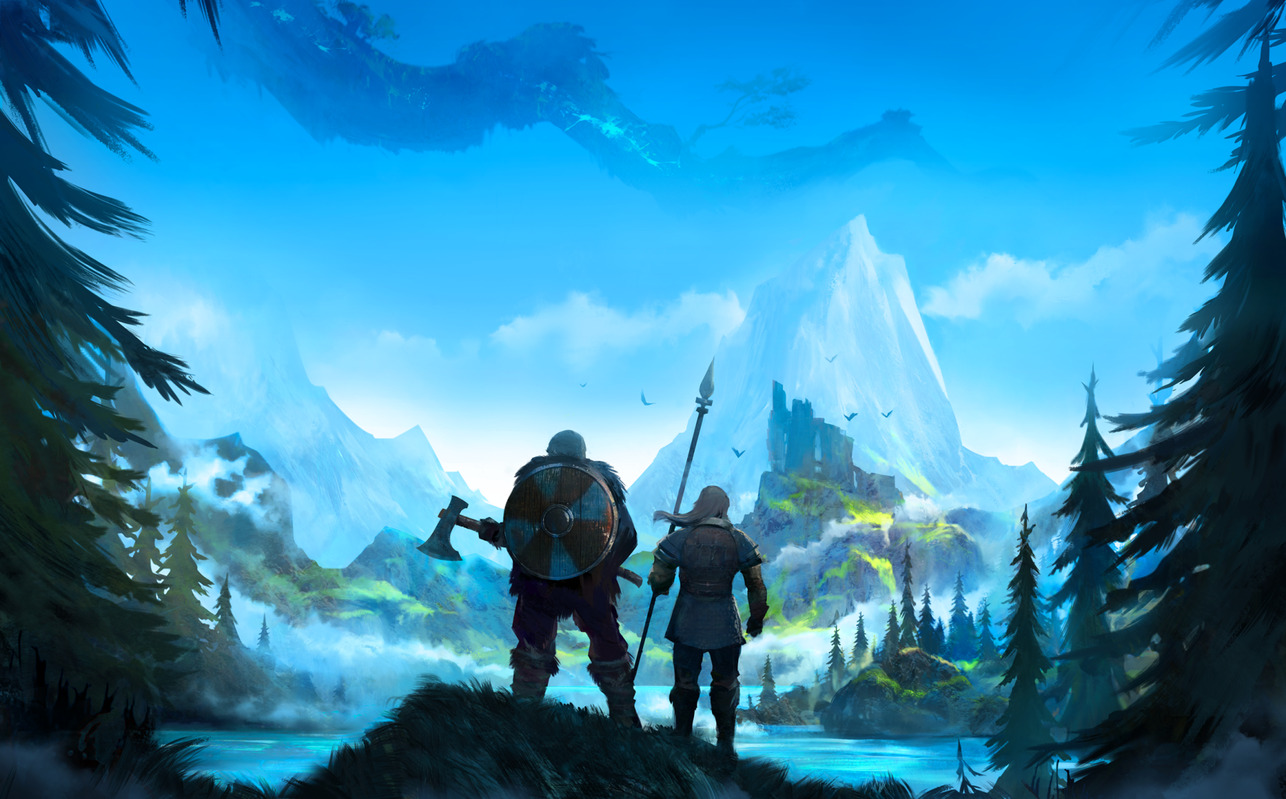
Valheim Server Hosting
Try 2 days free. No credit card required.
Valheim 1.0 and Deep North ready. Crossplay-capable, BepInEx mods, instant setup, and 24/7 human support. Servers in NA, EU & Asia.
Sign-up form
You might not care about these too...
Manage Your Server From Discord
Check status, restart servers, and manage your game servers without leaving Discord.
Launch your Valheim server in under 60 seconds
Get started in 3 easy steps
Choose Your Plan
Pick from 25+ supported games. Select your server size based on players.
Pick Location
Choose from data centers across North America and Europe for lowest ping.
Launch
Jump right in or delve into advanced settings. Your server launches in no time.
Happy indifferent gamer testimonials
Join Our Discord Community
Chat with 17,000+ indifferent gamers, get support, or just lurk. Whatever.

indifferent broccoli
Just wanted to say I really appreciate the timely response to server issues. Excellent service.
Just wanted to say how amazing indifferent broccoli! They are always do their best to accommodate And help everyone. Never knew Such an amazing hosting service could exist!
Ngl I had a really positive experience with Zomboid and same for MC. Although I'm still getting used to the difference for server set up. It's been really easy to do and fast as well. The performance of the server even was really good although we were using the Lost Cities mod (which is a fairly tanky mod). 10/10 Host.
Our server is loving your host service so far. It feels like I have the freedoms of a home-based server with the stability and security of a hosted server. At a price that you can't beat. Thank you for what yall do
Game Servers Around the Globe
Deploy servers all over the indifferent world.
North America
San Jose, Dallas, Salt Lake City, Washington DC, Montreal
Europe
Frankfurt, Roubaix, Amsterdam
Asia
Singapore, India
Why host your Valheim 1.0 server with a broccoli?
Valheim leaves early access on 9 September 2026, and version 1.0 brings the Deep North plus crossplay for PC, Xbox, PlayStation 5 and Switch 2. That is a lot of new world to keep loaded and a lot of new vikings who want in. Our Valheim server hosting gives your world the headroom to handle it, so you and your friends can focus on exploring, building, and dying in interesting ways.
Every Valheim server runs on machines with at least 128GB of RAM and modern CPUs, with uncapped RAM on your plan so a big world and a stack of BepInEx mods do not push you into an upsell. Our control panel keeps the boring parts simple: upload an existing world, install mods like PlantEverything, flip crossplay on, edit startup parameters, or pull a backup with full file access.
But let's face it, we don't really care if you host your Valheim server with us or not. We're just here to make it hassle-free for those who want it. If you're looking for a no-fuss Valheim hosting experience, give us a try. If not, that's cool. We'll be here reading reviews from our viking customers on Trustpilot.
Guides from our broccolipedia
See all-
How to Update Your Valheim Server to 1.0
Getting an 'Incompatible Version' error after the 1.0 patch? Your server needs to be updated to match your game client.
-
How to Upload an Existing World to Your Valheim Server
Bringing a pre-1.0 world along for the Deep North? Learn how to upload your .db and .fwl save files.
-
How to Join Your Valheim Server
Learn how to join your Valheim server and start playing, on PC or console.
Valheim 1.0 server hosting: what changed
The Deep North, and why your world matters
Valheim leaves early access on 9 September 2026 after five years, and 1.0 finally fills in the Deep North - the frozen band across the top of every world map that has been a placeholder since 2021. Because Valheim only generates a zone the first time someone gets near it, and never regenerates it afterwards, the new biome appears only in ground nobody has touched. If your group has already sailed the northern ice, plan on either a fresh world or a regeneration pass; if not, just point your longship north. Back up your .db and .fwl save files first either way.
Crossplay across PC, Xbox, PlayStation and Switch 2
Version 1.0 also opens Valheim up to PlayStation 5 and Nintendo Switch 2, joining PC and Xbox. A dedicated server can hold all of them in one world when it runs in crossplay mode, which talks to Valheim's PlayFab backend instead of Steam. Console players cannot host a dedicated server themselves, so if your saga spans platforms, a rented Valheim server is the practical way to keep one persistent world online for everybody - including the friends who are asleep when you are raiding. Modding keeps working alongside it: BepInEx runs on the server, so server-side mods behave normally. The constraint is client-side mods, which every player has to install locally -- so a world that console players join over crossplay wants to stay server-side.
Embark on a Viking journey
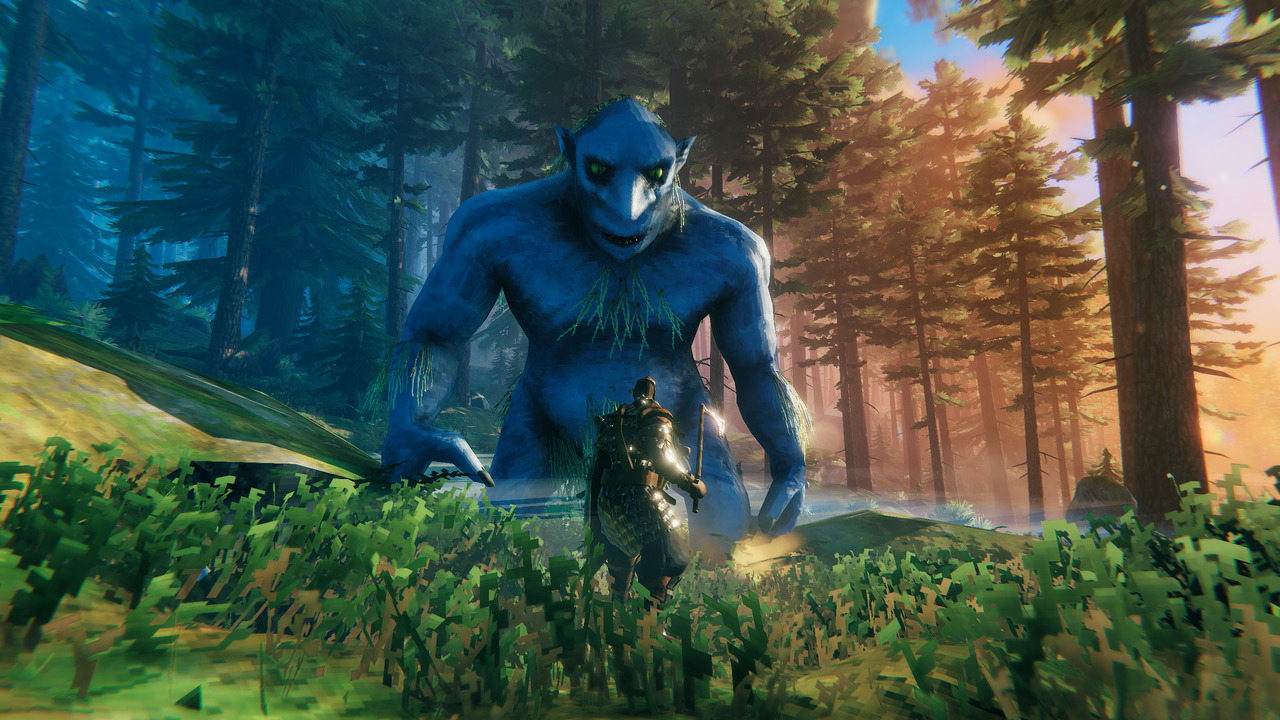
Valheim is a survival crafting game set in a mythical Viking world. You must brave the elements, survive, and conquer legendary foes like Eikthyr the deer boss, Bonemass, and the frozen horrors waiting in the Deep North. Immerse yourself in this open-world sandbox adventure where creatures and challenges are drawn from Norse mythology, and every decision shapes your destiny. May Valhalla be with you.
Set sail under Yggdrasil
Designed for multiplayer exploration, Valheim encourages you to embark on this epic journey with your friends. Collaborate to craft weapons, build Viking strongholds, and sail across the vast seas. Do all this while gazing at the world-tree Yggdrasil. Valheim offers the freedom of sandbox gameplay akin to Minecraft, but with a viking twist - and on a 24/7 dedicated server your longhouse keeps standing whether or not the host is online.
Mods, maps, and epic adventures
Extend your Valheim adventure with custom mods and maps. Our full file access lets you install BepInEx and popular plugins like PlantEverything or EpicLoot, tune your world's rules, or regenerate old zones so the Deep North can grow in. With vast lands to explore and the flexibility of modding, you can create an epic Norse saga that keeps you hooked and eager to face every mythical challenge that Valheim throws your way.
Frequently asked questions
How do I set up a Valheim 1.0 dedicated server?
With indifferent broccoli
Running your Valheim server is simple.
- Enter your email and password
- Select your plan size and region
- Press the 'Launch 2-Day Free Trial' button
- Upload an existing world, or start a fresh 1.0 one
- Enjoy your new server
Without indifferent broccoli
Running a Valheim dedicated server is... complicated.
System Requirements
To run a dedicated server for Valheim, you will need a machine with at least a quad-core processor and 2GB of RAM on paper - in practice, budget 4GB for a small group and 8GB or more for a 1.0 world with the Deep North explored or a stack of mods. You will also need at least 2GB of free storage, plus room for rolling world backups. Supported operating systems are Linux (Ubuntu 16.04+), Windows 7/8/10/11 (64-bit), and Windows Server 2012-2022.
Installation
You can install the server from your Steam library or use SteamCMD. The Valheim Dedicated Server tool is app ID 896660 and is free.
For Linux:
steamcmd +@sSteamCmdForcePlatformType linux +force_install_dir /path/to/server +login anonymous +app_update 896660 -beta none validate +quit
For Windows:
steamcmd.exe +force_install_dir C:\Your\Valheim\Folder +login anonymous +app_update 896660 -beta none validate +quit
You'll need to forward UDP ports 2456 through 2458 - 2456 for the game itself and 2457 for the Steam query port.
Crossplay in 1.0
To let Xbox, PlayStation 5, and Switch 2 players join, add the -crossplay parameter to your startup script, which switches the server from Steam networking to Valheim's PlayFab backend. BepInEx server-side mods run fine alongside it; client-side mods still have to be installed by every player, which console players cannot do.
World modifiers
Difficulty and world rules are startup arguments, not a settings screen. You add something like -preset hard or -modifier combat veryhard to the launch command, then restart the server and hope you spelled the value correctly.
Starting the server
You can launch the dedicated server from your Steam library, which gives you a terminal window to watch.
You can also run the server from the command line in the server's directory:
Windows:
StartServer.bat
Linux:
./start_server.sh
Then keep it running
After every Valheim patch you get to repeat the update, re-check your mods, and restart - while your friends wait on an 'Incompatible Version' error.