
DayZ Server Hosting
Try 2 days free. No credit card required.
Instant setup, mod support, and 24/7 human support. Servers in NA, EU & Asia.
Sign-up form
All our servers come with
-

Mod compatibility
-

Human support
-
Full file access
-

7-day refund policy
-

At least 128gb RAM
-

Simple control panel
You might not care about these too...
Manage Your Server From Discord
Check status, restart servers, and manage your game servers without leaving Discord.
Launch your DayZ server in under 60 seconds
Get started in 3 easy steps
Choose Your Plan
Pick from 25+ supported games. Select your server size based on players.
Pick Location
Choose from data centers across North America, Europe and Asia for lowest ping.
Launch
Jump right in or delve into advanced settings. Your server launches in no time.
Happy indifferent gamer testimonials
Join Our Discord Community
Chat with 17,000+ indifferent gamers, get support, or just lurk. Whatever.

indifferent broccoli
Just wanted to say I really appreciate the timely response to server issues. Excellent service.
Just wanted to say how amazing indifferent broccoli! They are always do their best to accommodate And help everyone. Never knew Such an amazing hosting service could exist!
Ngl I had a really positive experience with Zomboid and same for MC. Although I'm still getting used to the difference for server set up. It's been really easy to do and fast as well. The performance of the server even was really good although we were using the Lost Cities mod (which is a fairly tanky mod). 10/10 Host.
Our server is loving your host service so far. It feels like I have the freedoms of a home-based server with the stability and security of a hosted server. At a price that you can't beat. Thank you for what yall do
Game Servers Around the Globe
Deploy servers all over the indifferent world.
North America
San Jose, Dallas, Salt Lake City, Washington DC, Montreal
Europe
Frankfurt, Roubaix, Amsterdam
Asia
Singapore, India
Why host DayZ with a broccoli?
Hosting a DayZ server can be overwhelming, especially with all the survival chaos. With Indifferent Broccoli, it's simple. Our reliable hardware and friendly support team let you focus on scavenging, surviving, and thriving — not troubleshooting server issues.
Our intuitive control panel makes managing your DayZ server easy. We offer flexible hosting plans to suit your group size and budget, and our two-day free trial lets you test the waters — no strings attached.
Honestly, we don't mind whether you host your DayZ server with us or not. We’re just here for players who want a smooth, hassle-free experience. Curious? Check out what 150+ survivors have said about us on Trustpilot.
Guides from our broccolipedia
See all-
How to Join your DayZ Server
Learn how to join your DayZ server and start playing.
-
How to Become Admin on your DayZ Server
Learn how to become admin on your DayZ server and all of the commands you can use.
-
All Dayz Server Settings
A comprehensive list of all DayZ server settings to customize your world and gameplay.
Survive the Fall of Civilization
Waking Up to a World in Ruin
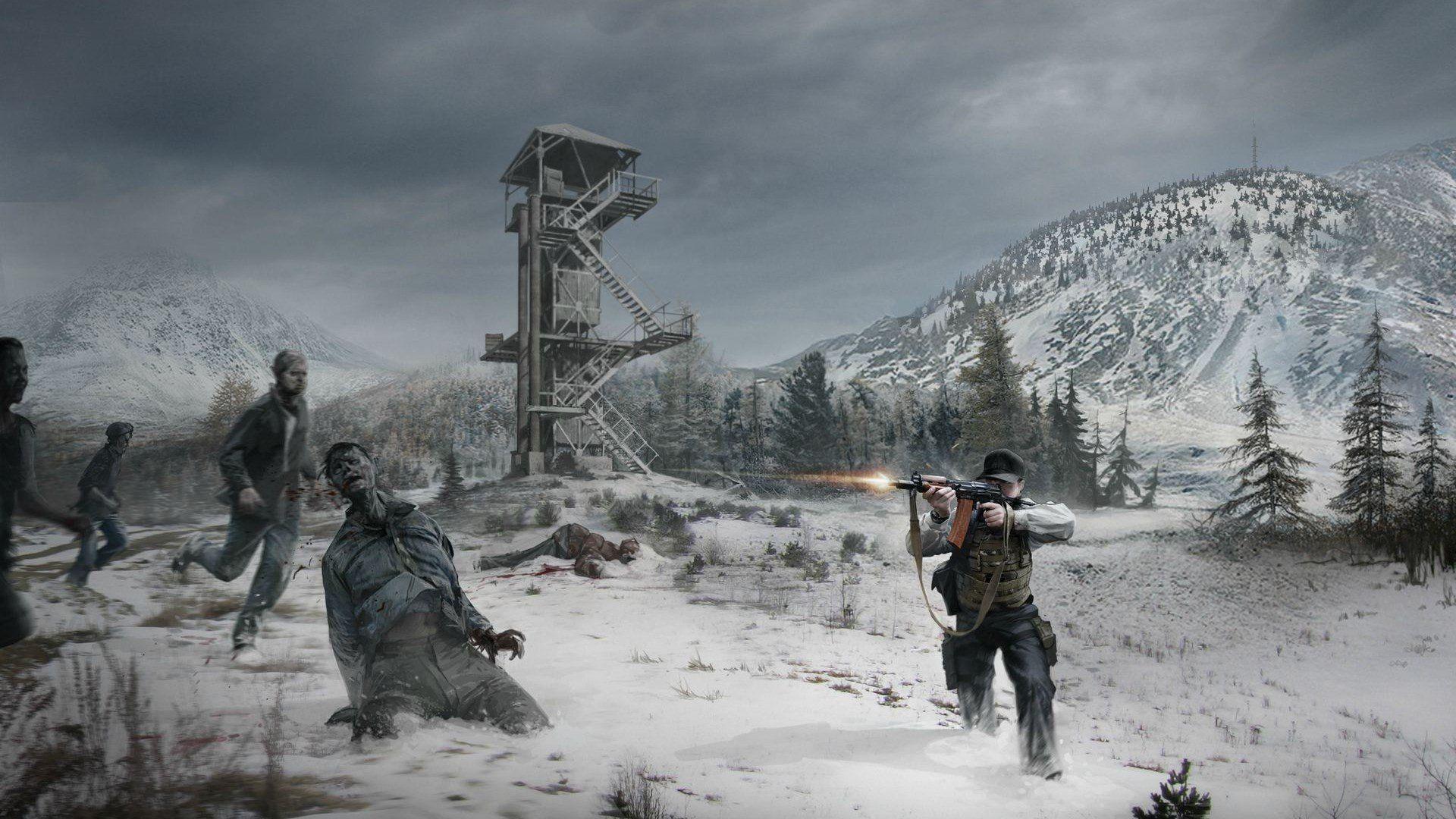
DayZ drops you into a relentless open-world survival experience, set in a post-apocalyptic wasteland ravaged by a deadly virus. You begin with almost nothing — just your instincts and determination. Fight to stay alive as you scavenge for food, weapons, and shelter while avoiding both the infected and other desperate survivors.
Survival by Any Means
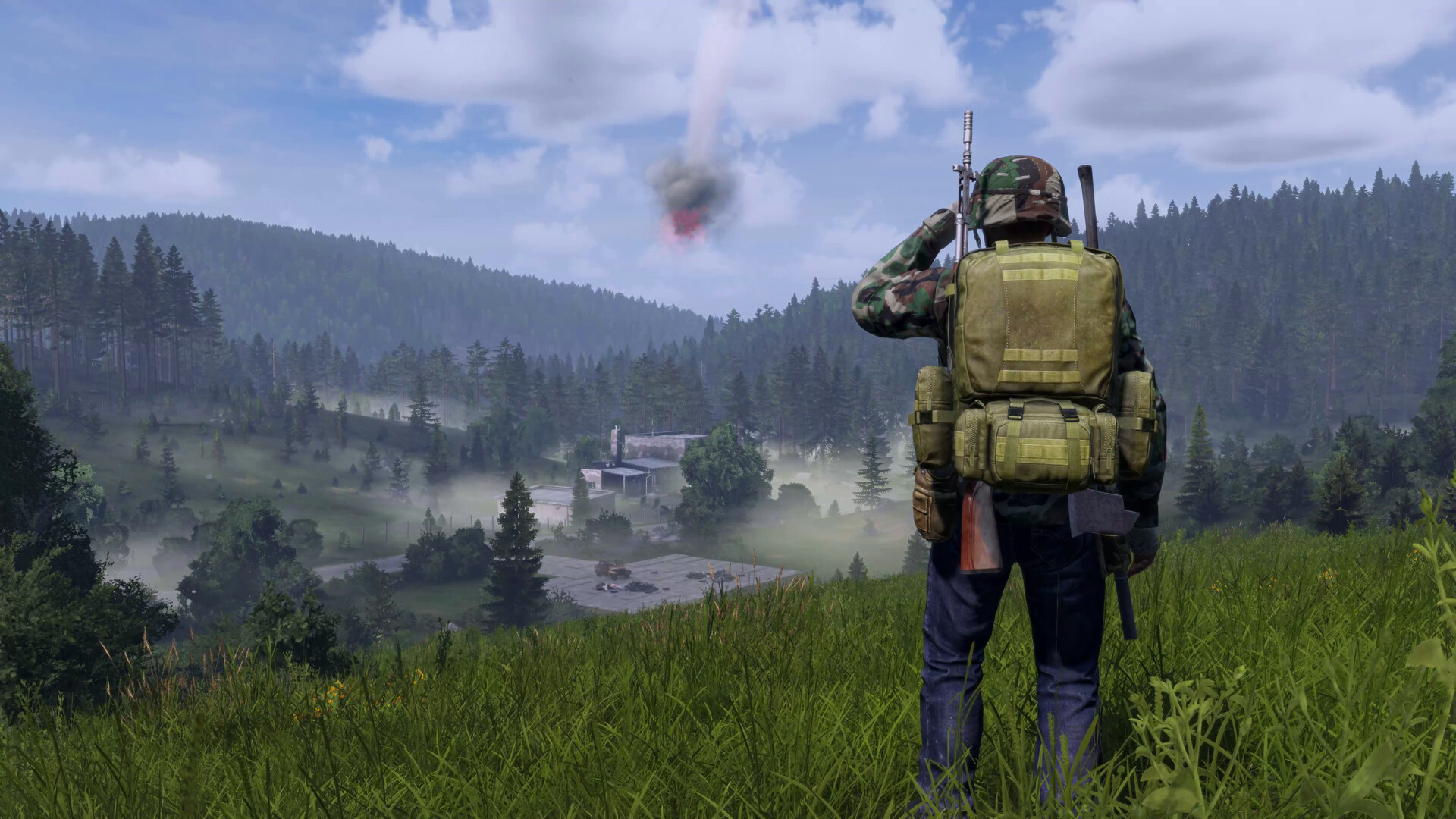
Whether you go it alone or team up with other players, every decision matters. DayZ's unforgiving environment forces you to adapt quickly. Navigate hostile terrain, build makeshift bases, manage your health, and stay one step ahead of danger — both human and infected. Trust is rare, and betrayal can be deadly.
Emergent Storytelling
DayZ isn't just a game — it's a sandbox for unpredictable human interaction. Form alliances, wage ambushes, or quietly disappear into the woods. No two encounters are the same. With dynamic weather, persistent servers, and a strong modding community, DayZ offers a constantly evolving survival challenge shaped by its players.
Frequently asked questions
How do I set up a DayZ dedicated server?
With indifferent broccoli
Running your DayZ server is simple.
- Enter your email and password
- Select your plan size and region
- Press the 'Launch 2-Day Free Trial' button
- Start surviving with your friends
Without indifferent broccoli
Running a DayZ dedicated server is... complicated.
System Requirements
To host a DayZ server manually, you'll need at least a quad-core CPU and 8 GB of RAM. Windows 10 (64-bit) or Windows Server 2016/2019 is recommended. SSD storage is highly encouraged, especially if you plan to host mods or many players.
Installation
You can install the server using SteamCMD or via Steam if you own the game. SteamCMD is the more common method for dedicated hosting.
For Windows:
steamcmd.exe +force_install_dir \path\to\server +login anonymous +app_update 2233500 validate +quit
You'll also need to forward UDP ports 2302-2305 to allow players to connect.
Starting the server
You'll need to create a batch file to launch your server. Configuration is done in serverDZ.cfg and other .xml files in the mpmissions folder.
Example start command:
Windows:
DayZServer_x64.exe -config=serverDZ.cfg -port=2302 -profiles=ServerProfile -dologs -adminlog -netlog -freezecheck