

Satisfactory Server Hosting
Try 2 days free. No credit card required.
Instant setup, mod support, and 24/7 human support. Servers in NA, EU & Asia.
Sign-up form
All our servers come with
-

Human support
-

Full file access
-

7-day refund policy
-

At least 128gb RAM
-

Simple control panel
You might not care about these too...
Manage Your Server From Discord
Check status, restart servers, and manage your game servers without leaving Discord.
Launch your Satisfactory server in under 60 seconds
Get started in 3 easy steps
Choose Your Plan
Pick from 25+ supported games. Select your server size based on players.
Pick Location
Choose from data centers across North America and Europe for lowest ping.
Launch
Jump right in or delve into advanced settings. Your server launches in no time.
Happy indifferent gamer testimonials
Join Our Discord Community
Chat with 17,000+ indifferent gamers, get support, or just lurk. Whatever.

indifferent broccoli
Just wanted to say I really appreciate the timely response to server issues. Excellent service.
Just wanted to say how amazing indifferent broccoli! They are always do their best to accommodate And help everyone. Never knew Such an amazing hosting service could exist!
Ngl I had a really positive experience with Zomboid and same for MC. Although I'm still getting used to the difference for server set up. It's been really easy to do and fast as well. The performance of the server even was really good although we were using the Lost Cities mod (which is a fairly tanky mod). 10/10 Host.
Our server is loving your host service so far. It feels like I have the freedoms of a home-based server with the stability and security of a hosted server. At a price that you can't beat. Thank you for what yall do
Game Servers Around the Globe
Deploy servers all over the indifferent world.
North America
San Jose, Dallas, Salt Lake City, Washington DC, Montreal
Europe
Frankfurt, Roubaix, Amsterdam
Asia
Singapore, India
Why host Satisfactory with a broccoli?
At indifferent broccoli, we know that hosting your Satisfactory dedicated server can be a pain. But we're here to make it easy for you. Our high-performance hardware and friendly support staff on Discord ensure a smooth gaming experience for you and your friends.
Our user-friendly control panel makes it easy to launch your server with one-click. And if you ever need assistance building your epic factory, our support team is available 24/7 to help.
But let's be real, we don't really care if you host your Satisfactory server with us or not. We're just here to provide a hassle-free hosting experience for those who want it. If you want to enjoy Satisfactory without worrying about server management, give us a try. If not, that's chill too. Read the reviews of gamers who did choose us on Trustpilot.
Guides from our broccolipedia
See all-
How to Upload a Save to Your Satisfactory Server
If you have an existing save and you want to continue it on our servers, this is the guide for you.
-
How to Fix the Timeout Error on Your Satisfactory Server
If you are receiving a timeout error, it means your computer took too long to load/save the game. This guide will show you how to fix it.
-
How to Join Your Satisfactory Server
Learn how to set up your authentication password and add your server to the server browser.
Industrializing the alien frontier
From drop pod to mega factories
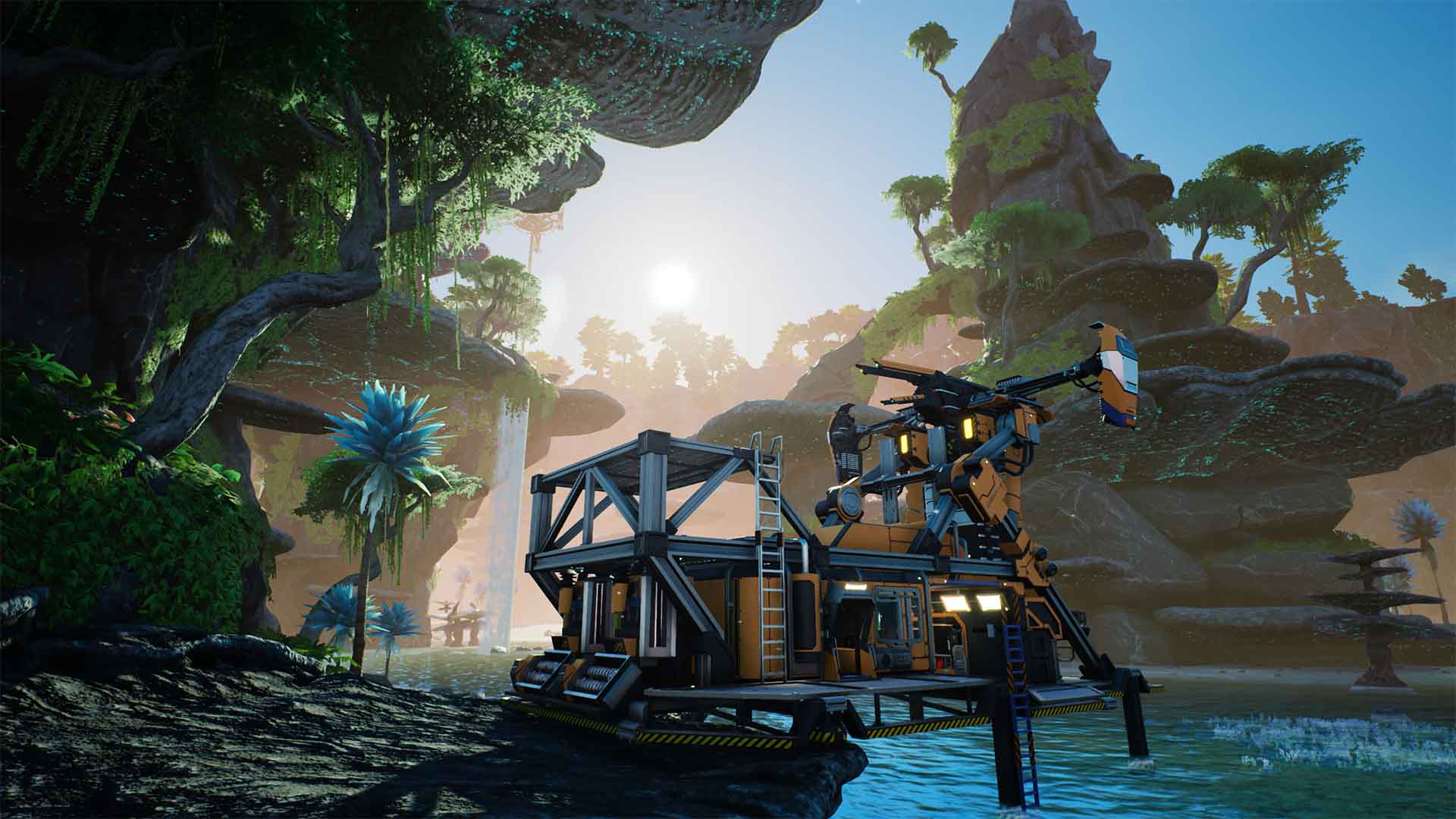
Satisfactory thrusts you onto an alien planet with a mission from FICSIT Inc.: explore, build machines, and automate resource extraction. Starting with minimal tools, you must navigate the vast wilderness, collect resources, and industrialize the entire planet. Embark on an immersive journey on Massage-2(AB)b, a 30km2 alien planet, where creativity knows no bounds.
Don't go alone
While building on your own is rewarding, this game is better with fellow Pioneers. Assign one player to discover the planet's unique fauna. Direct someone else to construct multi-story factories. Collaborate to design automated conveyor belts together.
A blueprint for success
Draw inspiration from the Satisfactory community. Create your own blueprints or download popular designs from sites like Satisfactory Blueprints. Combine Railway Junctions, Power Lines, and Foundations with the game's blueprint designer.
Frequently asked questions
How do I host multiplayer Satisfactory?
With indifferent broccoli
Running your Satisfactory server is simple.
- Enter your email and password
- Select your plan size and region
- Press the 'Launch 2-Day Free Trial' button
- Enjoy your new server
Without indifferent broccoli
Running a Satisfactory dedicated server is... complicated.
System Requirements
You need a 64-bit architecture AMD or Intel CPU (i.e. any relatively modern AMD or Intel 64-bit CPU) with 12GB minimum RAM, 25GB storage, and a broadband internet connection. The server favors higher single-core performance over multiple cores.
Note that there are currently no plans for an ARM CPU-compatible build, so the Dedicated Server cannot be deployed to, for instance, a Raspberry Pi or new Microsoft Surface Pro. Additionally, the Dedicated Server is not showing in the desktop Steam client's Tools section for people who do not own the game client on Steam, but Coffee Stain is currently working with Valve to resolve this issue.
Installation
You can install the server from your Steam library or use SteamCMD.
For Linux:
steamcmd +force_install_dir ~/SatisfactoryDedicatedServer +login anonymous +app_update 1690800 -beta public validate +quit
For Windows:
steamcmd.exe +force_install_dir C:\GameServers\SatisfactoryServer +login anonymous +app_update 1690800 -beta public validate +quit
Experimental branch selection: To download the Experimental branch of the Dedicated Server, add -beta experimental to the end of your SteamCMD command line.
Epic Games: You can install Dedicated Server Tool DLC by visiting the Epic Games Store Page and adding Dedicated Server Tool add-on to your library.
You'll need to foward UDP ports 15777, 15000, and 7777
Starting the server
You can launch the dedicated server from Steam, which will open a terminal window in which you can review the logs in real time.
Alternatively, to start the Dedicated Server from the command line, navigate to its installation directory and run the command below in Command Prompt or PowerShell (Windows) or Terminal (Linux):
Windows:
FactoryServer.exe -log -unattended
Linux:
./FactoryServer.sh