
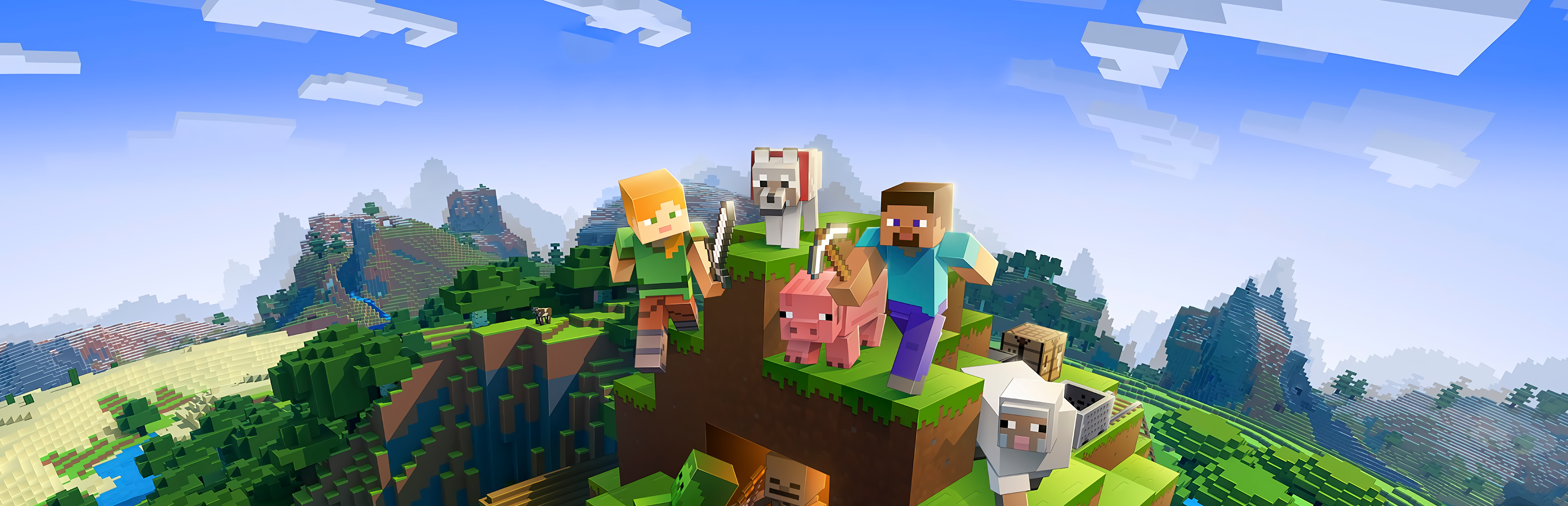
Minecraft Server Hosting
Try 2 days free. No credit card required.
Instant setup, mod support, and 24/7 human support. Servers in NA, EU & Asia.
Sign-up form
All our servers come with
-

Mod compatibility
-

Human support
-
Full file access
-

7-day refund policy
-
Simple control panel
You might not care about these too...
Manage Your Server From Discord
Check status, restart servers, and manage your game servers without leaving Discord.
Launch your Minecraft server in under 60 seconds
Get started in 3 easy steps
Choose Your Plan
Pick from 25+ supported games. Select your server size based on RAM.
Pick Location
Choose from data centers across North America and Europe for lowest ping.
Launch
Jump right in or delve into advanced settings. Your server launches in no time.
Happy indifferent gamer testimonials
Join Our Discord Community
Chat with 17,000+ indifferent gamers, get support, or just lurk. Whatever.

indifferent broccoli
Just wanted to say I really appreciate the timely response to server issues. Excellent service.
Just wanted to say how amazing indifferent broccoli! They are always do their best to accommodate And help everyone. Never knew Such an amazing hosting service could exist!
Ngl I had a really positive experience with Zomboid and same for MC. Although I'm still getting used to the difference for server set up. It's been really easy to do and fast as well. The performance of the server even was really good although we were using the Lost Cities mod (which is a fairly tanky mod). 10/10 Host.
Our server is loving your host service so far. It feels like I have the freedoms of a home-based server with the stability and security of a hosted server. At a price that you can't beat. Thank you for what yall do
Game Servers Around the Globe
Deploy servers all over the indifferent world.
North America
San Jose, Dallas, Salt Lake City, Washington DC, Montreal
Europe
Frankfurt, Roubaix, Amsterdam
Asia
Singapore, India
Why host Minecraft with a broccoli?
Hosting your Minecraft server doesn't have to be a big deal. At indifferent broccoli, we offer top-of-the-line hardware and support to ensure a seamless gaming experience with your pals.
Our control panel is easy to use, and you can effortlessly customize settings and install mods. Plus, our network infrastructure is lightning fast and dependable, so you won't have to worry about lag or downtime.
We've got you covered with affordable plans that fit your budget. And if you ever run into any problems, our customer support team is available 24/7 to help you out. But hey, don't take our word for it. Check out our reviews on Trustpilot.
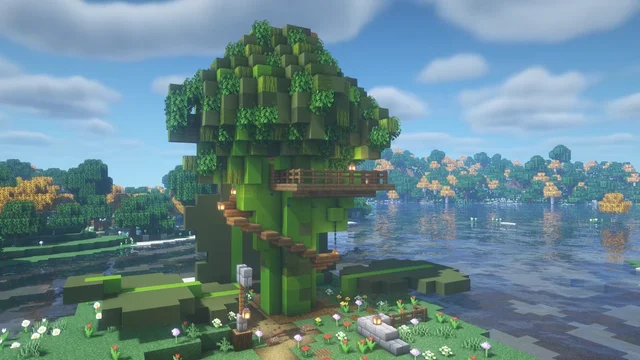
Guides from our broccolipedia
See all-
How to Install Mods on Your Minecraft Server
Learn how to install mods on your Minecraft server.
-
How to Upload a World to Your Minecraft Server
Learn how to upload an existing world to your Minecraft server.
-
How to Join Your Minecraft Server
Learn how to join your Minecraft server and start playing.
Mastering the Blocky World of Minecraft
Explore and Build
Minecraft is a sandbox game that empowers players to shape and interact with a dynamically generated blocky world. Inspired by games like Dwarf Fortress and Infiniminer, Minecraft places you in a vast world where you can mine for resources, craft tools, and build anything from simple huts to complex automated machines. Survival mode pits you against the environment, hostile creatures, and the need to secure food and shelter to survive.
Cooperate or Compete
While you can explore and survive alone, Minecraft thrives through multiplayer collaboration. Players can join servers where communities flourish. Engage in projects with friends or compete in challenges.
Fortify and Defend
In Minecraft, creating a fortified base is not just a survival tactic but a way to express creativity. Choose a location—from a mountainous outpost to an underwater hideaway—and use resources like obsidian and enchantments to protect against enemies and the dreaded Creepers.
Frequently asked questions
How do I set up a Minecraft dedicated server?
With indifferent broccoli
Running your Minecraft server is simple.
- Enter your email and password
- Select your plan size and region
- Press the 'Launch 2-Day Free Trial' button
- Enjoy your new server
Without indifferent broccoli
Running a Minecraft dedicated server is... complicated.
System Requirements
To run a Minecraft dedicated server, you'll want a system with at least 3GB of RAM and a quad-core processor. The operating system must be Linux (Ubuntu 16.04+), Windows 7/8/10 (64-bit), or Windows Server 2012-2022. Modded servers will require even more processing power.
Installation
Minecraft dedicated server software can be downloaded from Minecraft.net. Java must be installed.
For Linux:
Java -jar “name of your jar”.jar
For Windows:
Java -jar “name of your jar”.jar
You'll need to forward UDP Port 25565
To avoid having to type in the terminal each time to start the server, you can create a .bat (Windows) file or .sh (Linux) file with the java arguments.
Starting the server
You can launch the server by running the .jar file from Minecraft.net in a command prompt.
You can also run the server by using command line in the server's directory after creating a .bat or .sh file to run it:
Windows:
startserver.bat
Linux:
./startserver.sh